Plainva 0.8.5: forward with attachments
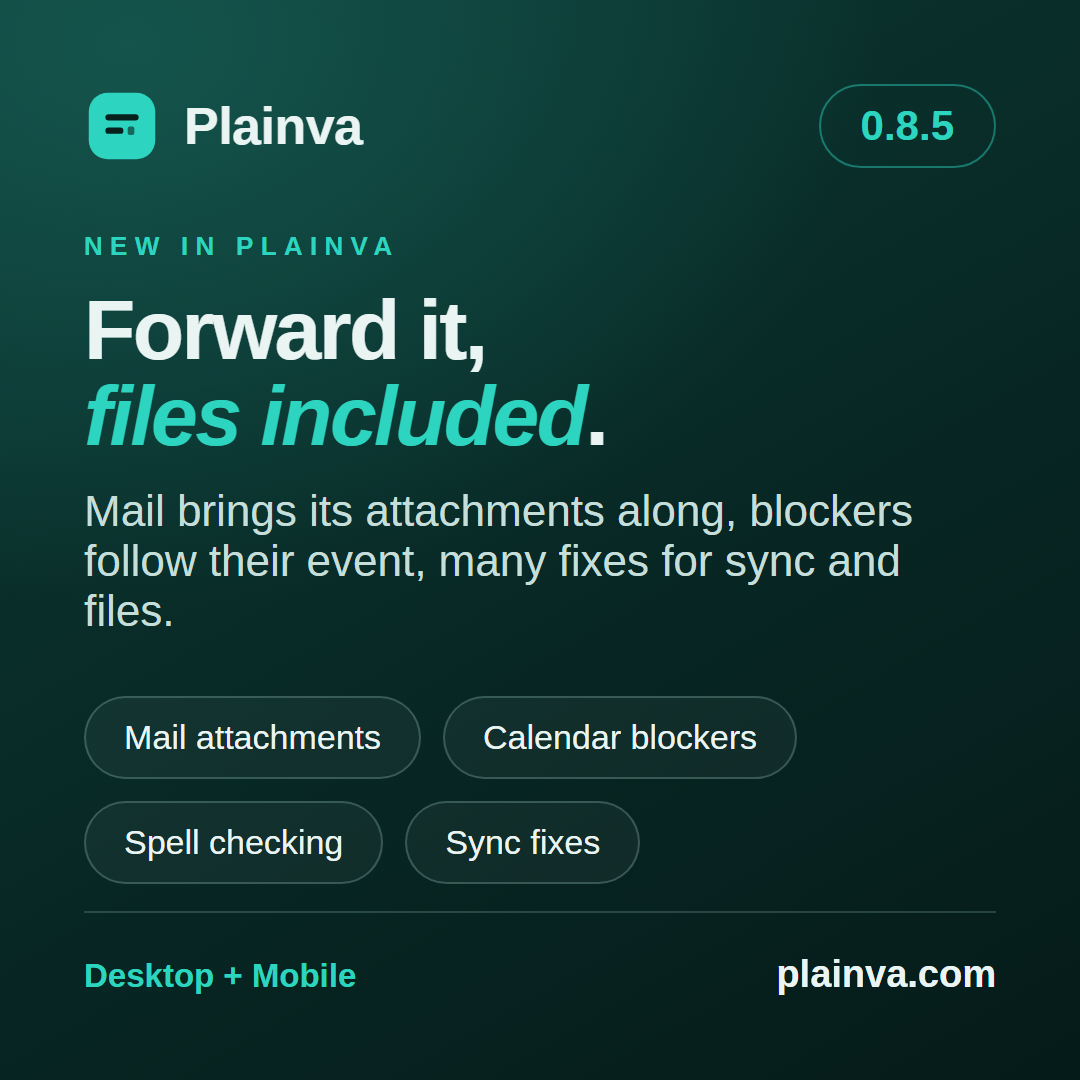
After 0.8.4 I meant to build something new. Instead I spent two weeks reading what Plainva does with your files when nobody is looking — on save, during a sync, on a rename. More came up than I would have liked. So 0.8.5 is mostly a release of fixes. There is one new feature all the same, and I will start with it.
Forwarding left the attachments behind
This was a gap I did not notice for a long time myself: Forward has only ever taken the text along. Now the files of the original travel with it, on the desktop and on the phone. Each file shows whether it is still loading, there, or staying behind, and before a message goes out without one of the files shown, Plainva asks once. From a Microsoft mailbox every file up to 2.8 MB travels; on its own, Plainva brings along at most 18 MB per message when forwarding. A received attachment can now be filed on the desktop too, with Save to vault.
Two things beside it matter to me. A reply, a forward and a new message start on the desktop from the mailbox of the message, with its signature — the window used to take whichever mailbox was stored first. And when the mail server refuses a message, it comes back into a compose window with the reason, instead of disappearing behind one line of error text.
One bug I would rather name plainly: with two Microsoft or two Gmail mailboxes connected in the same vault, the second one read and sent with the sign-in of the first. That is fixed; each mailbox signs in as its own account.
Blockers that move along
I like to hold time free in more than one calendar: the event lives in one, a blocker in the other. Until now I moved both by hand. Now the blocker follows its event when you move, change or delete it, and a blocker you touch yourself asks whether you mean the blocker or the event. A new event also shows the moment you save it, not when the provider has answered (#119). And the calendar no longer stays empty after a failed refresh: a line says what has not been synced and since when.
Writing without a hitch
Spell checking is now one switch per device. It is off until you turn it on, and then applies wherever you write — in notes, table cells, emails, comments, the journal and tasks. Code, keys and passwords stay out of it. On Linux the switch has no effect yet.
A report in #122 pointed me at something I had never felt in my own vault: on Windows, every save made Plainva walk the whole vault, and in a large vault typing stuttered while it did. That is over. And a table cell is edited in a field as tall as its text (#118).
Links and renaming
Where a wiki link leads used to be decided in several places, each slightly differently. Now one rule holds for the editor, reading mode, the graph and backlinks: the path first, then the file name, last the title in the properties. And when you rename a note, Plainva changes only the link target in the notes that link to it — character for character, nothing else.
If you sync: please update every device
These are the fixes that matter most to me. With two devices working on the same file, a change could be lost without a conflict being shown — for example when an upload did not go through between two edits. And a text file that is not UTF-8, such as a CSV from Excel, could be written back damaged by the sync. Both are fixed: such files now travel byte for byte, and every file keeps its line endings, a note included.
Please update every device that works with the same vault. The fixes take effect on each device only once it runs 0.8.5, and a device on an older version can still upload such a text file damaged. The updated devices then keep the original as a conflict copy.
Three more fixes sit where Plainva writes into a note beside the editor: a property, a ticked task or a journal entry no longer replaces your own text in a note with an open conflict. Changing one property leaves all the others as they were written — 01067 no longer becomes 1067. And a file whose details cannot be read for a moment is no longer treated as deleted.
On the phone
The command palette reaches twelve more commands, large pinboards show their cards, and the find panel in a note sits clear of the status bar. In tasks, the date opens the date picker, and All to today moves everything overdue in one step.
On Android, signing in to Google changes: if you entered a client ID of your own, you sign in through the browser again. Since 0.8.3 this went through the system dialog only, which works with the built-in entry alone. Accounts that are already connected stay as they are.
Thank you
Four of the fixes go back to reports: #118, #119, #122 and #123 — the shortcut for the global quick capture can be changed on macOS again. Encrypted workspaces, the on-device calendar, voice notes and the location stamp remain experimental.
Plainva 0.8.5 is available for desktop, Android and iOS TestFlight. On iOS, the native marketing version remains 1.0; the TestFlight build number identifies the new delivery. Update each device that works with the same vault to receive the shared improvements throughout.
iOS TestFlight: 1.0 (136).