Plainva 0.8.2: More reliable saves, faster navigation
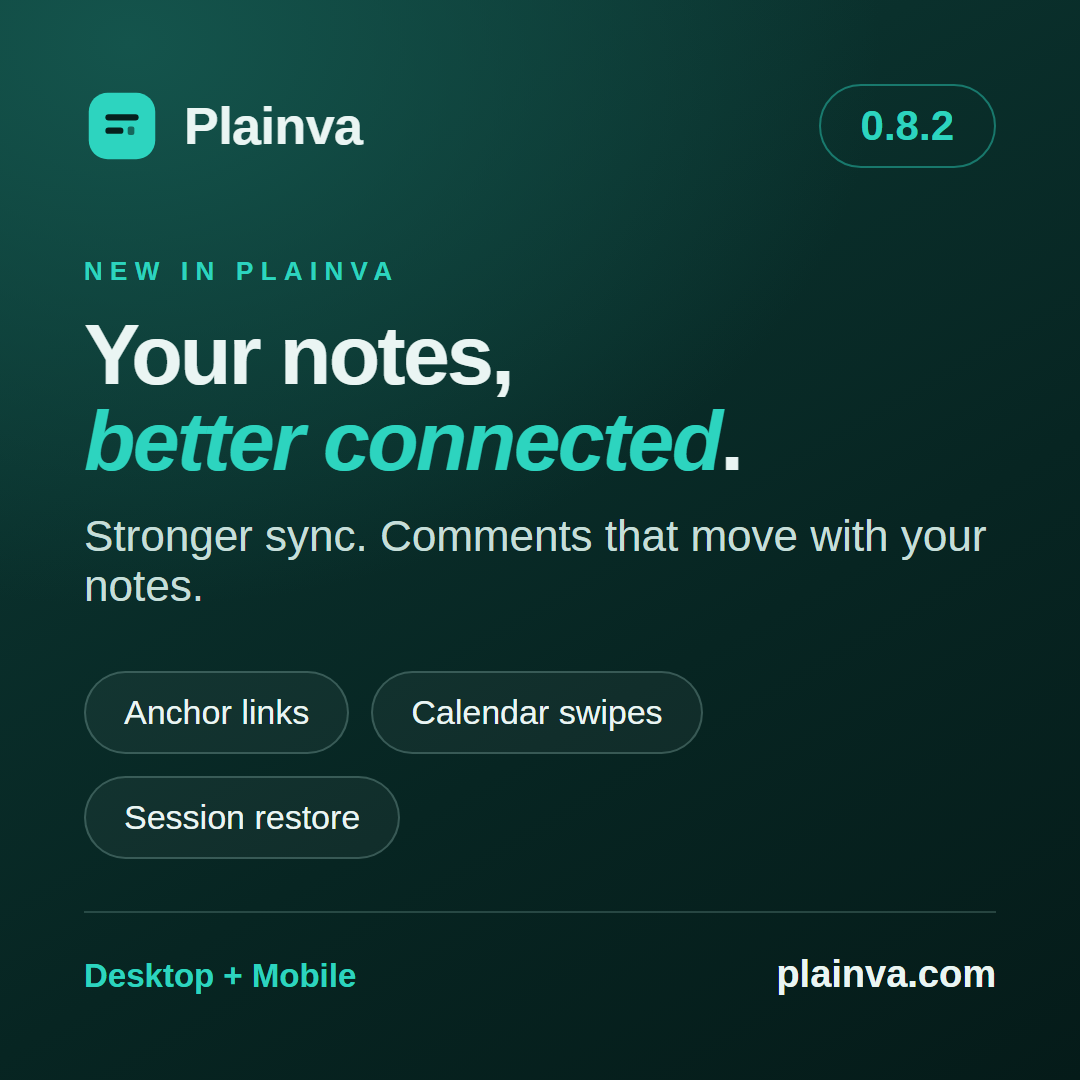
A release for the work in between
Write a note, rename its folder, continue reading on your phone. Somewhere in between, a device loses its connection, a download stalls or another window is still saving. Plainva 0.8.2 focuses on these transitions.
Many changes since 0.8.1 improve behaviour you only notice when something goes wrong. Others are immediately visible: swipe through the calendar, follow a link straight to a heading, and return to your mobile session after a restart.
When a transfer does not finish
A failed download is not a successfully synced file. An incomplete server inventory does not mean everything on the server has been deleted. And confirming a deletion should not approve changes that only appear later.
0.8.2 handles these cases more carefully. Failed transfers stay pending for another attempt. Offline edits survive queued renames. Saves keep their original note and input revision while you move around the app. A backup is published only after its contents have been written completely.
These are specific corrections to sync and storage. They do not replace your own backups or the independent review still needed for experimental workspace encryption.
Comments belong to the note
Comments and suggestions arrived in 0.8.0. This round makes their everyday use more complete: they work in ordinary vaults, follow moved notes and can ask for your name when you write your first comment. Without a name, the device label is used; your own remarks read “You”.
Devices sharing a folder now write separate comment files. Interrupted suggestion decisions can resume. If two devices make conflicting decisions, that disagreement remains visible. Accepting a suggestion on the phone also updates the editor you are looking at.
A heading is now a destination
Issue #92 described a useful request: a table of contents should take you directly to the sections of a note.
With 0.8.2, [[#Project plan]], [[Meeting#Decisions]] and [Go to the plan](#project-plan) do exactly that. Type [[Meeting# to see that note’s headings. Backlinks list individual occurrences and take you to their exact location.
Linking and embedding are separate features. Embedding just one section of another note remains a future task.
A date without all the paging
Select the calendar title to open the date picker. It works in calendar views, database calendars and date fields. On the phone, a swipe changes the visible period; on desktop, a trackpad gesture does the same.
There are also improvements to Obsidian images with width settings, daily notes using your chosen format, Select all for the entire note, and a mobile session that remembers your navigation and database view.
Desktop and mobile together
0.8.2 is available for desktop and as a public Android APK. iPhone and iPad users can get a new build through the public TestFlight group. TestFlight identifies this release as 1.0 (build 107).
If you share a vault across devices, update them all. Encrypted workspaces and native device calendars remain experimental.
Release notes and desktop downloads · Android · TestFlight · User guide