Plainva 0.9.0: an assistant in your vault
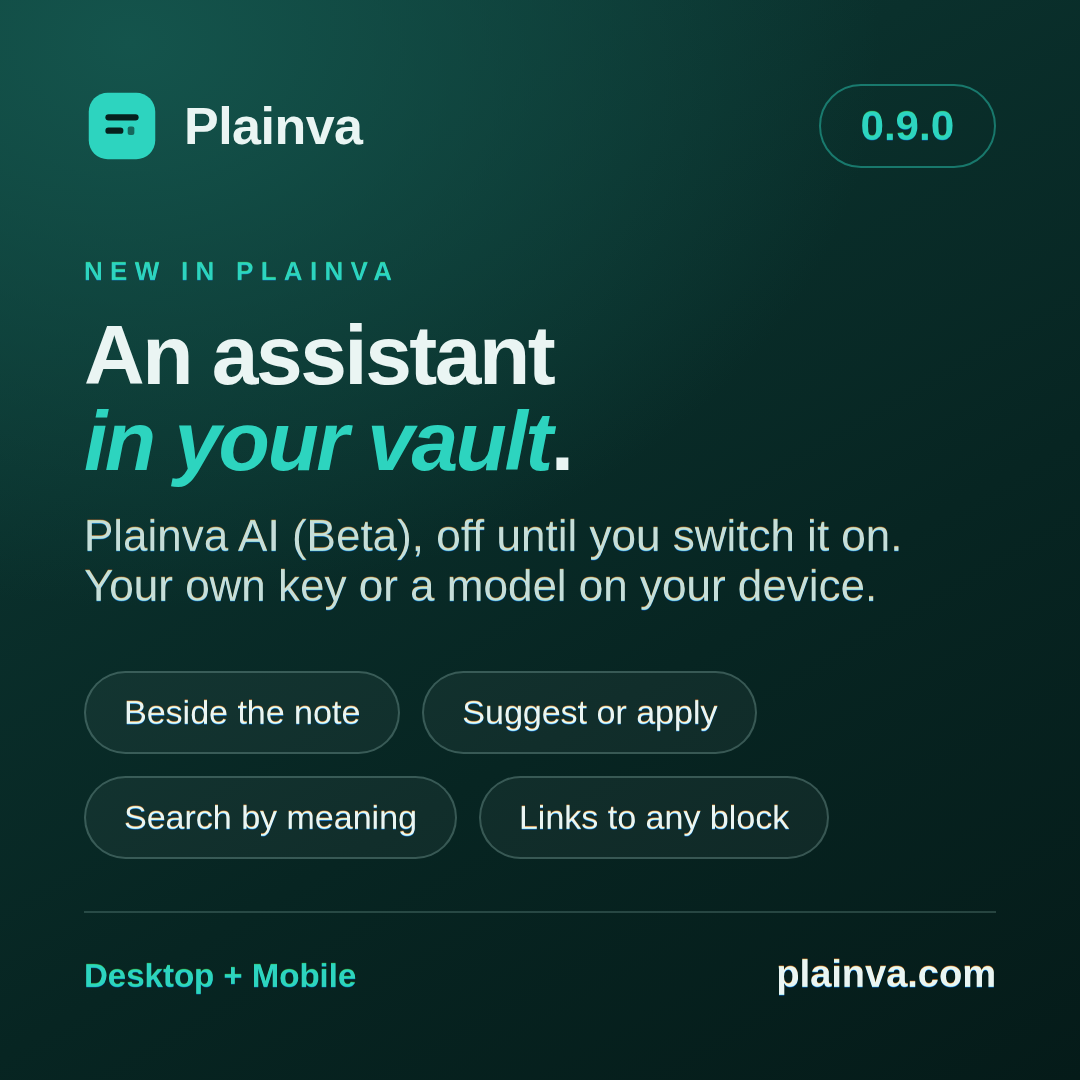
Since the summer I have been working on one question: how does a notes vault get an assistant without the notes going where you don’t want them? 0.9.0 is my answer, and it is the biggest release Plainva has had so far.
First: it is off
Plainva AI (Beta) is off on every device until you switch it on under Settings › AI. Then you choose who answers: a provider with your own key – Anthropic, OpenAI, Google Gemini, OpenRouter or your own server – or a model on your device. Plainva runs no server for it and sees nothing.
Before the first request, Plainva shows what goes out. If you want to see that every time, switch on Ask before every request, and Fully local lets only models on this device answer. Notes whose rule keeps them off the cloud stay out.
Beside the note
On the desktop the conversation opens in the right sidebar, beside the note you are working on – with the AI button, with Ctrl+J or through Ask AI. The calendar above it becomes the current week. If you prefer a window of its own, pop the conversation out and dock it again later. On the phone, Ask AI opens a sheet over the note.
Under every answer, a calm line says which notes it rests on and where the request went. If an answer names a note as a source that never went along, Plainva says so.
What it does
It reads the open note, your selection and search, and if you want your appointments, tasks and mail. It drafts notes and fills properties and database columns – as a suggestion you accept or discard.
If you trust it with more, switch on Apply directly or give a folder the rule Change without asking. A version is kept before every write. Deleting, renaming and moving always ask.
Fourteen skills come with the app, and you can write or import your own. Routines run a skill at a set time while Plainva is open. The vault’s memory keeps what you accept from a conversation. Search by meaning finds notes through related words, computed on your device.
On the desktop, Plainva’s MCP server also lets an AI app on the same computer read the folders you allow, with no network port. External tools over MCP connect in both shells. And whoever may see only part of the vault sees only that part in search, properties and backlinks too.
Beta means beta
The AI is experimental, and its texts in eight languages have not been read by native speakers yet. When the assistant reads a mail, words you cannot see because other elements cover them or cut them off can reach it too. Feedback goes through Feedback on the AI (Beta) under Settings › AI.
Links to any place
Copy link and Copy block link give every note, heading and block an address. Plainva opens it from an event, a mail, a task or another app, on the desktop and on the phone.
What else is new
If you open Plainva for the first time, the tour is the first suggestion; if you already have notes, open your folder – with Open an existing folder on the desktop, with I already have a vault on the phone. On start lets you choose whether Plainva picks up where you left off. Each vault can have a default mailbox, and Version history now covers any file, images included. A task with subtasks shows how many are done. Spell checking now works on Linux too. And if a vault cannot open because its index database is damaged, Rebuild index makes it anew without touching a note.
Fixes
There are many fixes as well, above all in sync, encrypted workspaces, saving and on the phones. An error in one area now shows only in that area. Deletions happen only with a backup. A failed save is tried again on its own. On Android, the automatic ZIP backup of a large vault no longer closes the app. The release notes list every fix.
On security: up to 0.8.7, saved passwords and sign-in data were also stored readably in Plainva’s settings file. From 0.9.0 on, they are not. Older backups of the profile folder still contain them – if you have passed such backups on, change the passwords concerned. The release notes have the details.
Please update every device
Update every device that uses the same vault. An older version opens no plainva:// links and creates no next task for a recurring task with a block link. If you use an encrypted workspace, update every desktop that syncs that folder. And: a device on 0.8.7 no longer receives a password through sync from an updated device. Until then, enter the password yourself on the device that is not yet updated.
Thanks
#170, #172, #173, #174 and #175 are in this release, along with feedback from TestFlight. Thank you. The AI, encrypted workspaces, the on-device calendars, voice notes and the location stamp remain experimental.
Plainva 0.9.0 is available for the desktop (Windows, macOS and Linux), for Android as an APK and in the Google Play test, and for iOS through TestFlight. On iOS the marketing version stays 1.0; a new TestFlight build number marks the delivery.
iOS TestFlight: 1.0 (217).