Plainva 0.8.6: ticks that come back
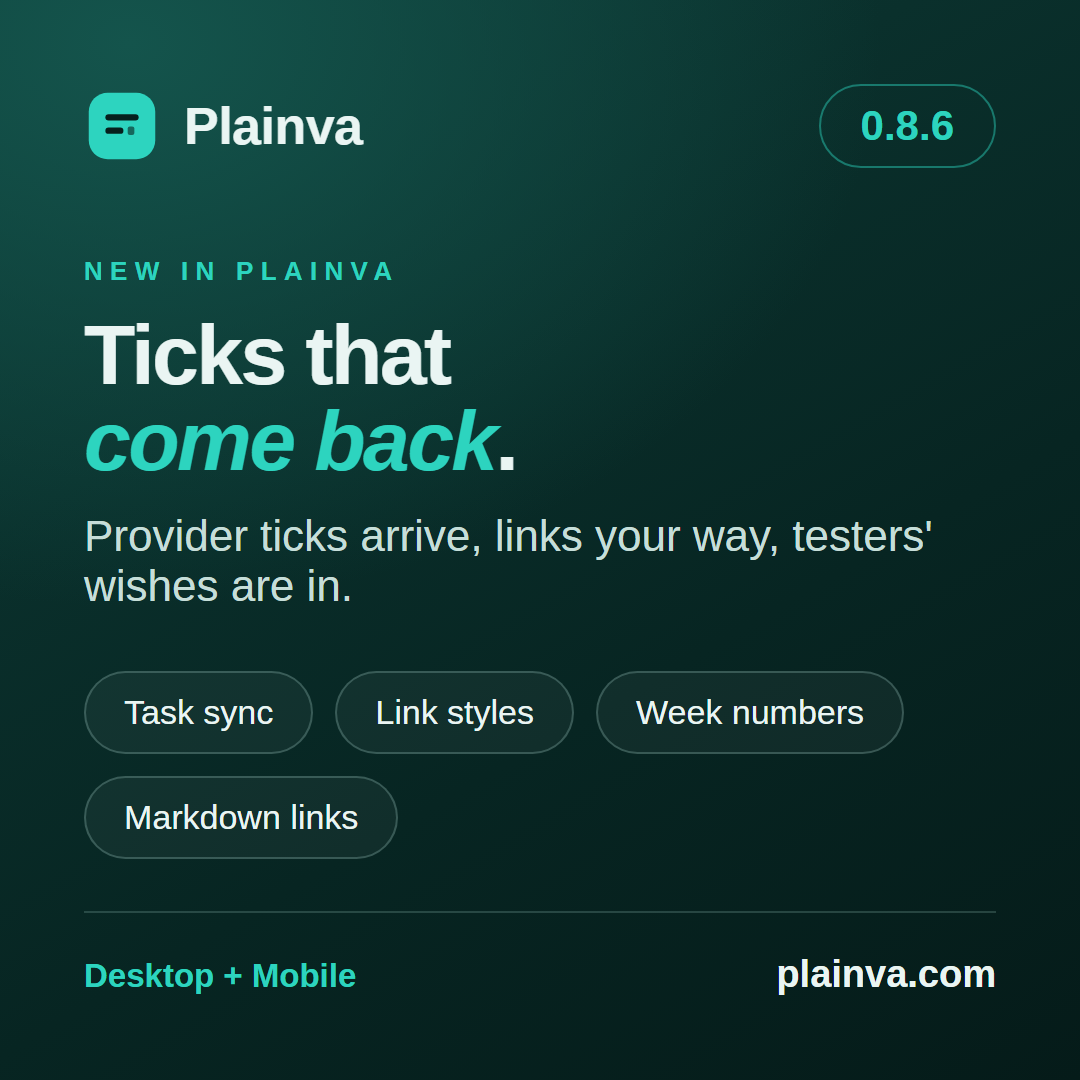
0.8.6 is a release of things that should simply work: a task I tick off on the go comes back into its note, links look the way you want them to, and a long list of testers’ wishes is in. Along the way I also closed a gap in the sync that I would rather never have had – more on that further down.
Ticks that come back
I often tick tasks off in Google Tasks while I am out. The way from Plainva to Google worked, the way back sometimes did not, and the note stayed open. Now every task list is fetched on its own, a problem stands above the task view, and a tick or a date the note cannot hold no longer counts as taken over in silence. That holds for Google, Microsoft and CalDAV. A saved event also stays on screen instead of disappearing for a moment and coming back (#119), and on the phone Show tasks puts due tasks into every calendar view.
Tasks due from ordinary notes (- [ ] … 📅 YYYY-MM-DD) now appear under Due on the phone’s Today screen, among the tasks of both shells’ calendars and in the home-screen widget – not only those from a task database.
What you asked for
TestFlight and #135 brought a list of wishes, and most of them are in. One tester wished for wiki links with a light tint instead of a line. Others like it the other way round – so you now choose under Settings → App → Appearance how Links to notes look (Underlined, Tinted, Colour only or Subtle) and how Links to the web look (Underlined or Colour only). The default stays underlined, as before. Every calendar can show week numbers, switched at the foot of each date picker. On the phone the all-day row stays in place while you scroll, task boxes are big enough for a finger, and a new task’s date is picked in the app’s own calendar. A new note always opens to be written in. On the desktop the window comes back with its size and place, and new notes can open in a new tab (Open new notes in a new tab).
Tabs with short file names no longer carry empty space.
Small things that got in the way
A click into an open table cell places the caret instead of leaving the whole text selected (#118). On the Mac, Spell checking marks words again: the system setting it needs had never been switched on. In my own project overview a long file name ran into the next tile; now it ends in “…”. A jump from the outline puts the heading at the top, and a menu can be worked with the arrow keys right away.
Links, properties, templates
A Markdown link now leads to the same place everywhere — in the editor, reading mode, tables, on the phone, in the graph and on a rename. Before, nearly every surface had a rule of its own, and the editor could create a second note. Wiki links with underscores or asterisks in their name now count as links.
A note’s properties are read field by field. An empty tags: or a date where text is expected used to make every property of the note invisible. That also means: databases, filters and the tag tree now show notes that were missing before, and in an encrypted workspace a slice rule by tag or property matches such notes too — they become visible to the slice’s members with the next sync.
Templates had two old bugs: a note made from a template inherited plainva.tasks: false, and its tasks were missing from the task view. And depending on the path, the week start, the clipboard or {{daily}} did not arrive. Both are fixed.
Files that are built differently
A text file that is not UTF-8 now opens as This file is not text and is never written over as text. On the iPhone a file keeps its byte order mark. A file from a classic Mac is read line by line, and its first change turns the line endings and says so. And a single file that cannot be read no longer takes the index down (#125).
When two devices upload at once
Now to the gap I mentioned at the start: when two devices uploaded the same note at almost the same moment, the change of one was overwritten, and no conflict said so. Every upload now says which version it expects on the server. With WebDAV, S3, OneDrive and Dropbox the server refuses the write when another device has uploaded in the meantime. Then nothing is written, and the next sync merges both versions or keeps yours as a conflict copy beside it. Google Drive checks before an upload as it did before.
Two things came along with it. When a note had an open conflict and another device contradicted it once more, only the draft was left — the note’s own text was lost. Now it stays as a further conflict copy. And the notice about kept files that the cloud had deleted, which came back in every sync for me, now appears once and with a name: such a file goes up again instead of living on one device only.
Please update every device that works with the same vault. The check runs on the device that uploads; a device on an older version can still overwrite a change made in between.
In All inboxes a message from another mailbox stays open instead of vanishing after a blink. On the phone, messages with unusually built base64 open again, attachments included.
Thank you
Four reports are in this release — #118, #119, #125 and #135 — and a good number of notes from TestFlight. Thank you. Encrypted workspaces, the on-device calendar, voice notes and the location stamp remain experimental.
Plainva 0.8.6 is available for desktop, Android and iOS TestFlight. On iOS, the native marketing version remains 1.0; the TestFlight build number identifies the new delivery. Update each device that works with the same vault to receive the shared improvements throughout.
iOS TestFlight: 1.0 (139).